

Design brief: make the next step clear before adding another feature.
Design note · Copied just nowIndependent software · Made with care
Software thatjust feels right.
Lumax makes small, focused software—refined in the details, clear in use, and genuinely helpful every day.
01 / Lumax Clip Preparing for release

Lumax Clip · Workflow illustration
Copy it once.
Find it when you need it.
Follow one clipboard item from capture to recall. This interactive illustration explains the workflow; current product views are available on the Lumax Clip page.
01 / COPYRecently copied
3 Copied just now
•••
lumaxspace.com
Website · 2 minInteractive workflow · Current views on the Clip page
What we care about
Good software respects your time. It makes the next step clear, removes needless friction, and stays out of your way.
Products
Small tools.
Thoughtfully made.
Find what you copied, keep your day in view, and translate what you read. Native Mac tools, each with a clear purpose.
First from Lumax Preparing for release
macOS 14+ · Stored on your Mac
Lumax Clip
A searchable clipboard history that brings the item you need back in a few keystrokes.
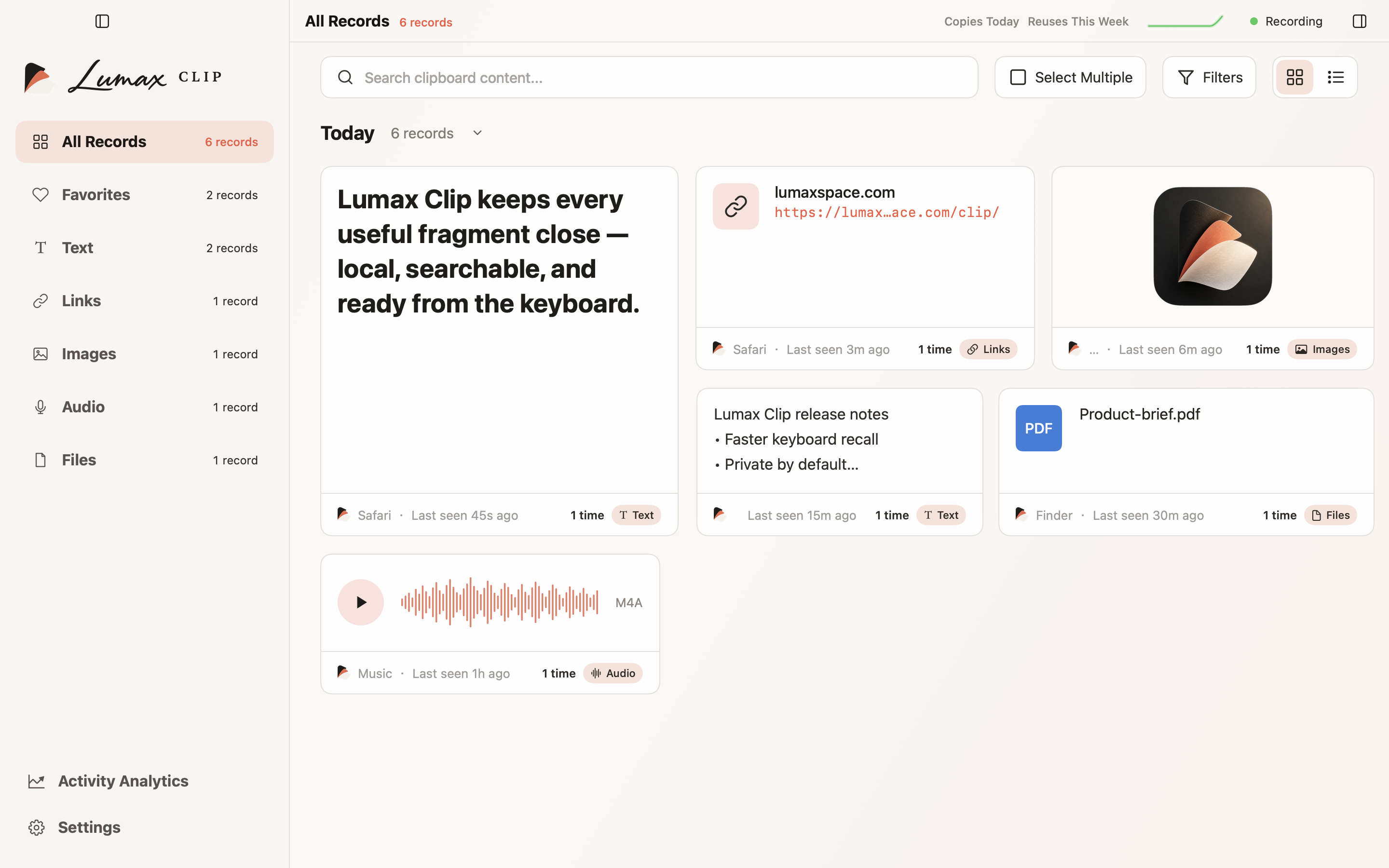
Explore Lumax Clip↗
02 / Lumax Tempo Preparing for release

macOS 14+ · Your day at a glance
Lumax Tempo
Calendar, reminders, world clocks and desktop notes. A quiet place for the shape of your day.
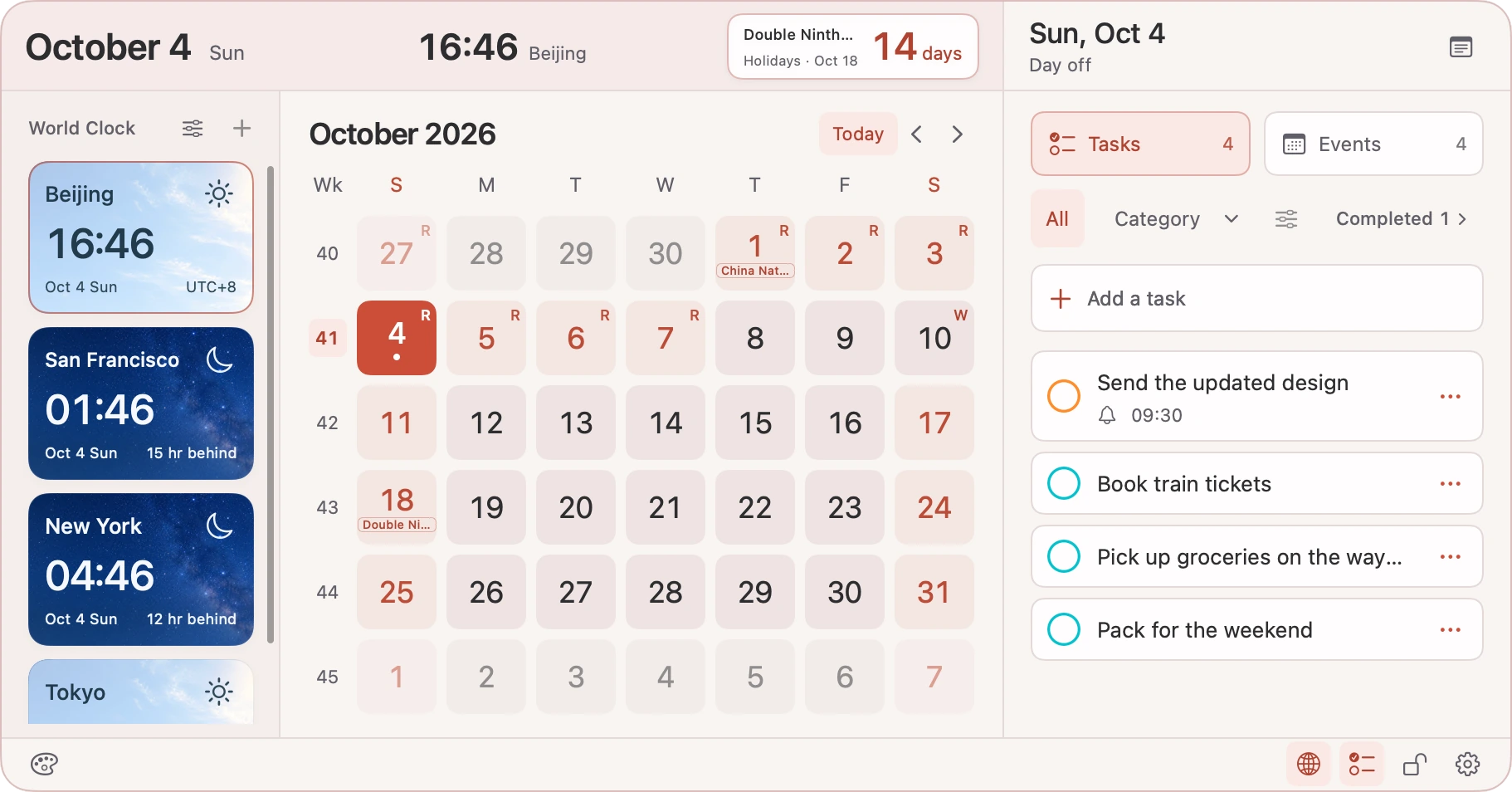
Explore Lumax Tempo↗
03 / TSXFree · Open source

Native translation for macOS
TSX
Translate selected text, screenshots, or a few words you type. Apple translation by default, with optional services you configure.
Explore TSX↗
Say hello
Have a thought?
We’re listening.
A question about Lumax, an idea for something we should make, or a thoughtful detail worth sharing? Say hello.