


Today, in context.
Move through the month, see the lunar date and solar terms, and keep important dates in view. Open Tempo from the menu bar and return to your work just as easily.
Lumax Tempo
Your day, at a glance. From the menu bar.
A calendar, your plans, a few things to do, and the time somewhere else. Lumax Tempo brings them together in one quiet corner of your Mac.
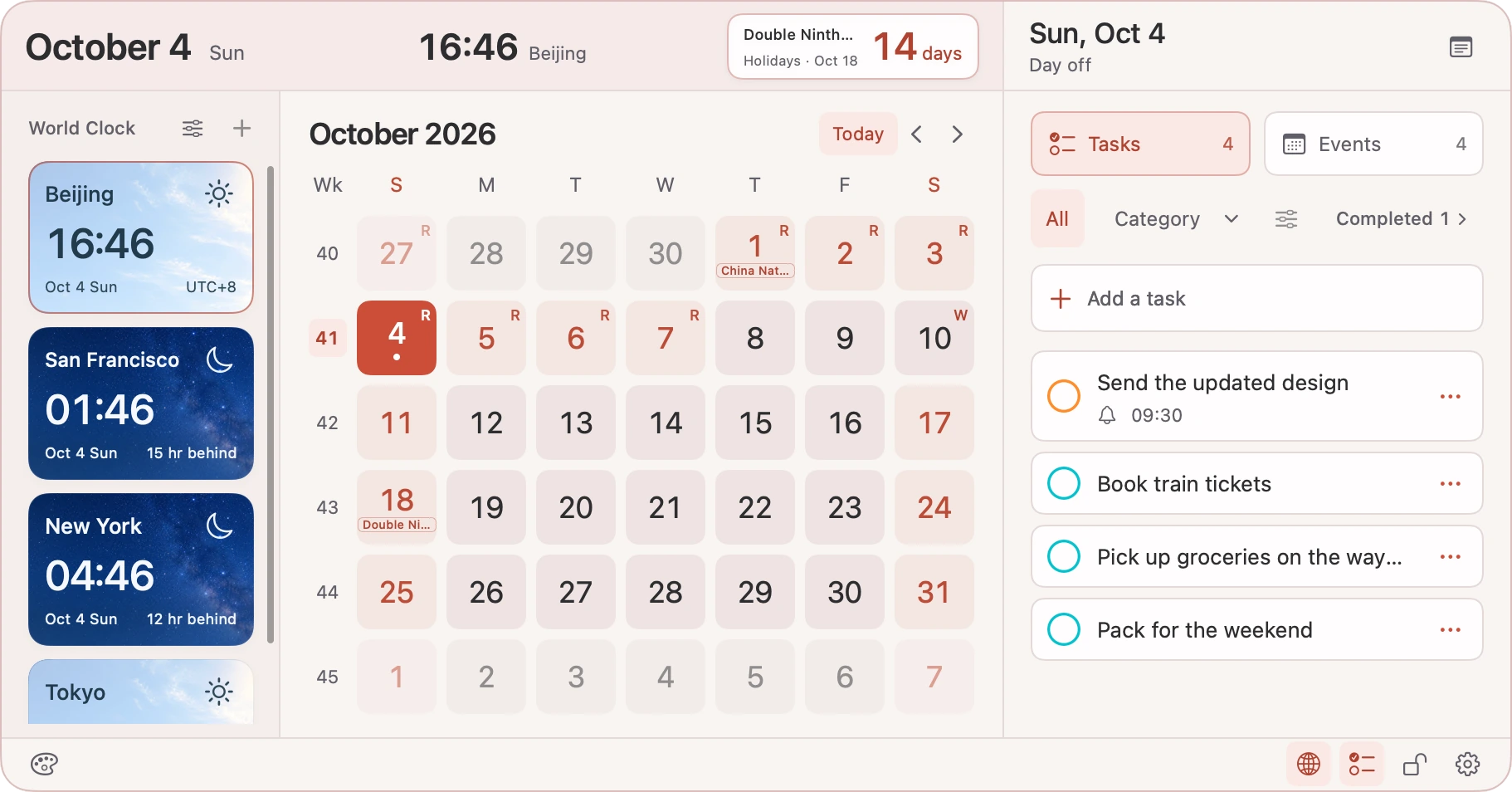
A place for the everyday
Move through the month, see the lunar date and solar terms, and keep important dates in view. Open Tempo from the menu bar and return to your work just as easily.
Connect the calendars and reminder lists on your Mac with your permission. Create or edit events, check off a task, and let your system accounts handle any sync.
Turn a day, event, or reminder into a desktop note, or start with a blank one. Save important countdowns and decide what deserves a place in view.
Near, far, now
See the local date and time in supported cities, with daylight and starry skies that make day and night easy to recognise. Pro lets you keep more cities together and preview another time before arranging a call.
Sky images illustrate local time of day, not live weather. Time zones and daylight saving follow macOS.
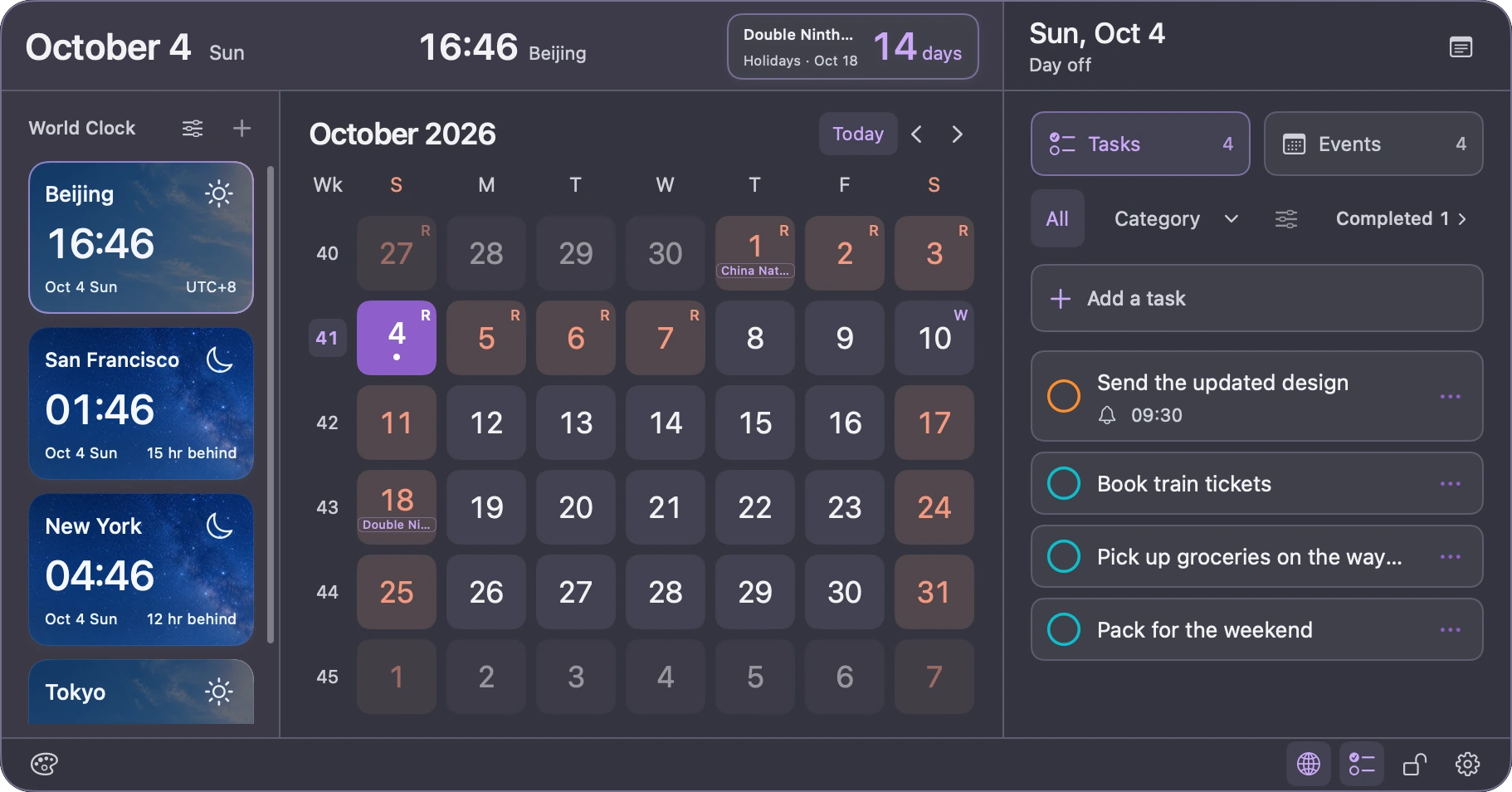
Make it yours
Calendar events stay fully available in Free. Pro adds room for more, repeat reminders, and personal touches—with a single purchase, never a subscription.
| What you can do | Free | Tempo Pro |
|---|---|---|
| Calendar & events | View, create, edit and delete events | Everything in Free |
| New reminders in Tempo | 5 successful creations per local day | No daily creation limit |
| Existing reminders | View, complete, delete and basic edits | Also create or change repeat rules |
| Categories & item colours | Create and organise lists; keep existing colours | Also change category and item colours |
| Appearance | Light, dark or system; coral accent and solid background | Preset and custom accents; transparent glass |
| Menu bar | Date and time, using the system’s 12/24-hour format | Display formats, seconds and clock format controls |
| World clocks | 1 city; local reference time zone | More supported cities, reference city and time preview |
| Custom countdowns | 1 saved countdown | Multiple countdowns |
| Desktop notes | Save notes; show 1 at a time | Show multiple notes together |
The daily limit counts reminders successfully created through Tempo on this Mac, not the date they are due. Editing, failed attempts, and reminders created elsewhere do not count. Completing or deleting an item does not restore a slot; the allowance resets on the next local calendar day.
Holiday countdowns do not use the custom countdown allowance. The current world clock catalogue contains 30 cities. Extra saved content and colour preferences are retained if Pro becomes unavailable; Free display and creation limits then apply.
Personal, without an account
Tempo has no account, advertising, or third-party usage analytics. Notes and preferences stay on your Mac. Calendar and reminder access is optional and controlled by macOS permissions.
Your calendar or reminder provider may sync data through its own service. Purchases and restores use Apple StoreKit. Feedback continues in your mail app, where you review and send it yourself.
Read the privacy policyNot yet. Tempo is preparing for its first Mac App Store release. We plan to offer it in mainland China and non-EU App Store regions; the final countries, regions and launch date will be confirmed when it is listed. There is no download or purchase available on this website.
Tempo works with the calendars and reminder lists made available by macOS, subject to permission and each source’s read/write access. The first release supports English and Simplified Chinese and requires macOS 14 or later. You can use the calendar, clocks and local notes without granting access to your events or reminders.
Yes. Lunar dates, traditional festivals, solar terms and holiday countdowns are included. Official public-holiday and adjusted-workday information currently covers mainland China in 2026; it is not a worldwide official holiday calendar. Check the relevant official announcement when making important plans.
Tempo Pro is a non-consumable in-app purchase handled by Apple. You can restore a valid purchase with the Apple Account used to buy it, without a Lumax account. Tempo Pro and Clip Pro are separate purchases. Refunds or revocations can remove Pro access; saved notes, countdowns and preferences are kept, with Free limits applied.
Use Feedback in Tempo’s settings to write a suggestion or report a problem, then continue in Mail. You can also contact support@lumaxspace.com. Please include the product name, app and macOS versions, and steps to reproduce the issue; remove personal information from attachments.
Made with care. Improved with you.
Tell us what would make a small part of your day feel easier.